Where to buy | Partner Portal | eShop

Laptop USB KVM Console Crash Cart Adapter


CV211
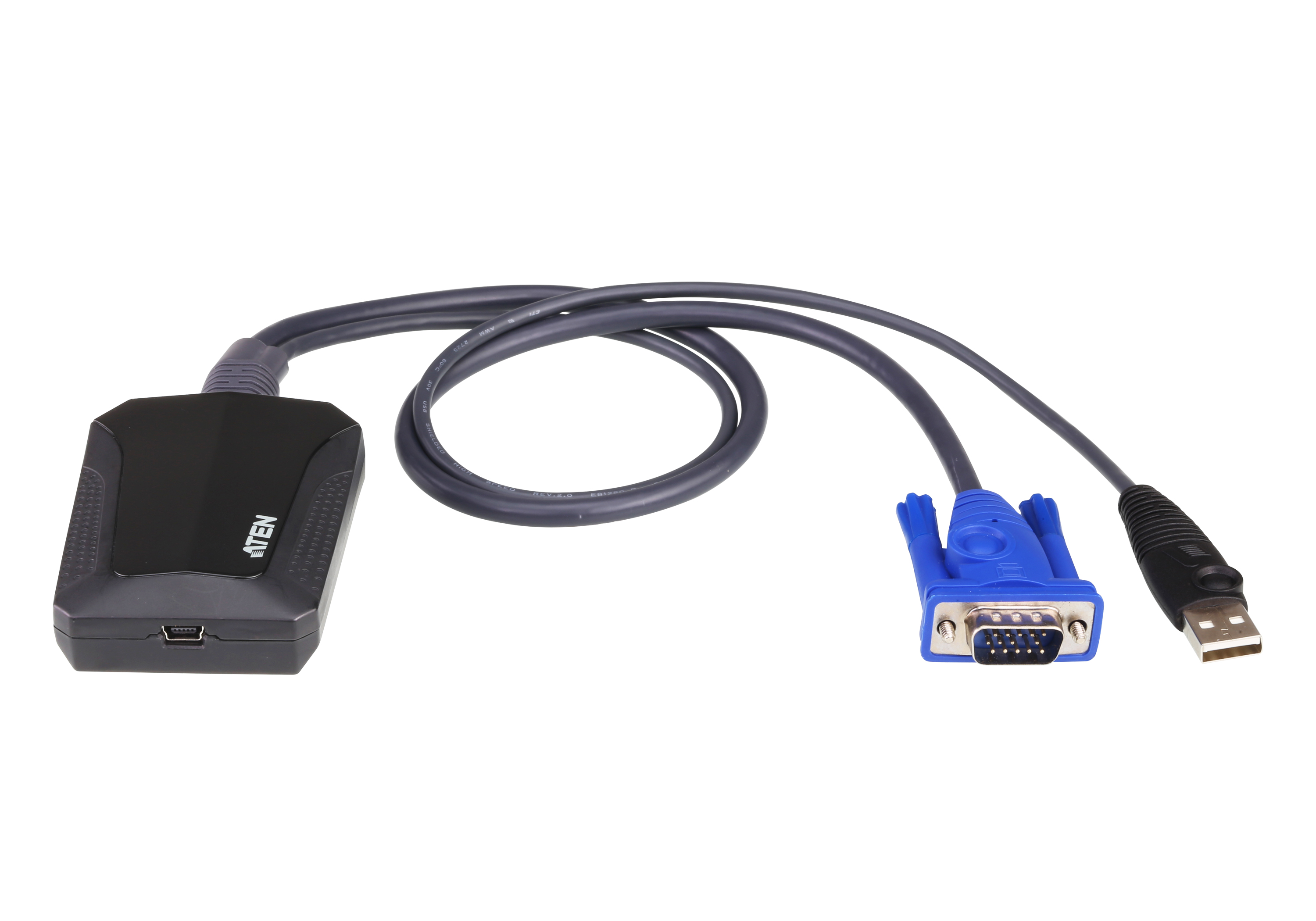
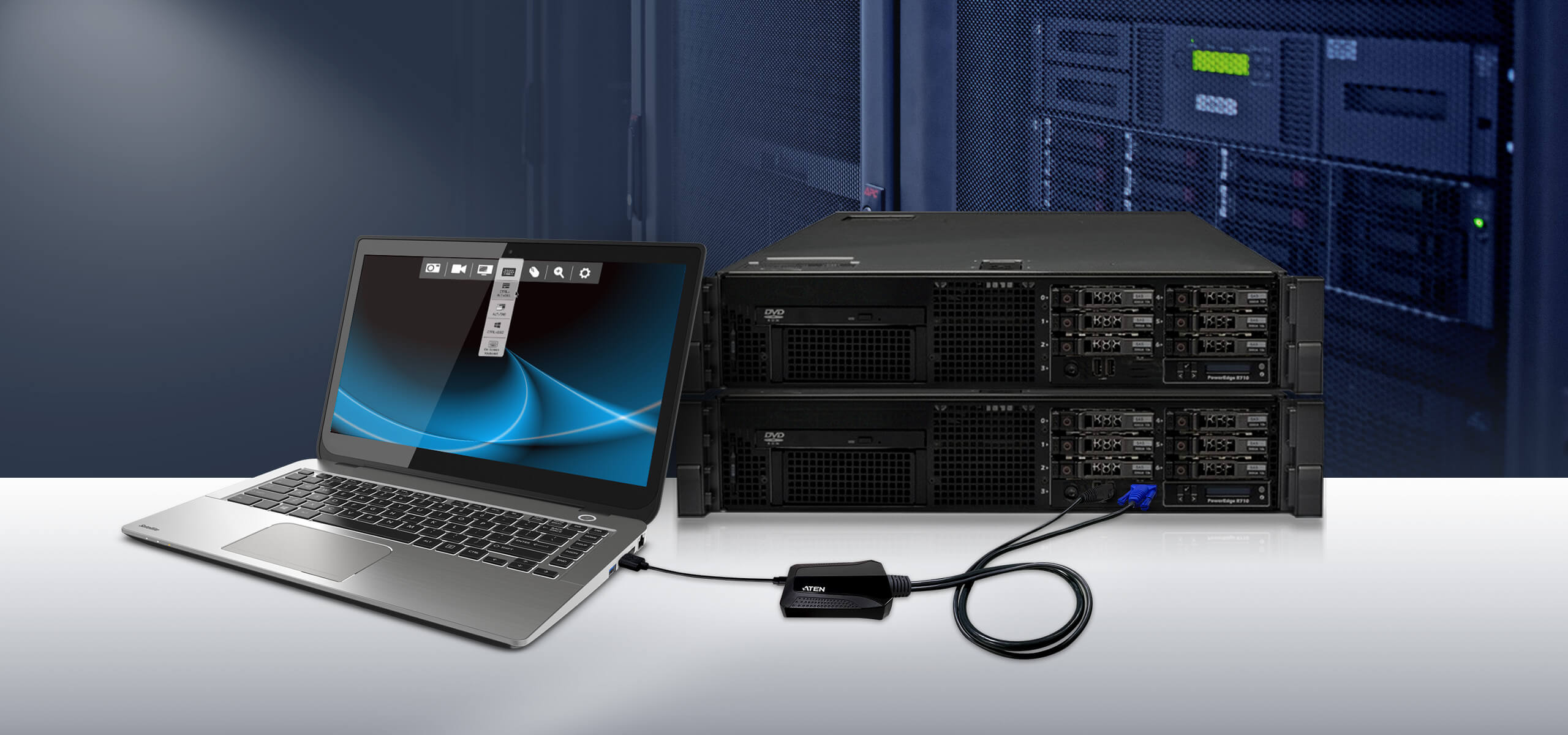
  • Transforms your laptop into an ultra mobile console for servers, computers, kiosks and ATMs
  • Instant BIOS-level access and no software installation
  • Bi-directional file transfers between the laptop and target computer
  • USB bus-powered design and supports 1920 x 1200 @ 60 Hz video resolution
  • All Features
MSRP:Quote Upon Request

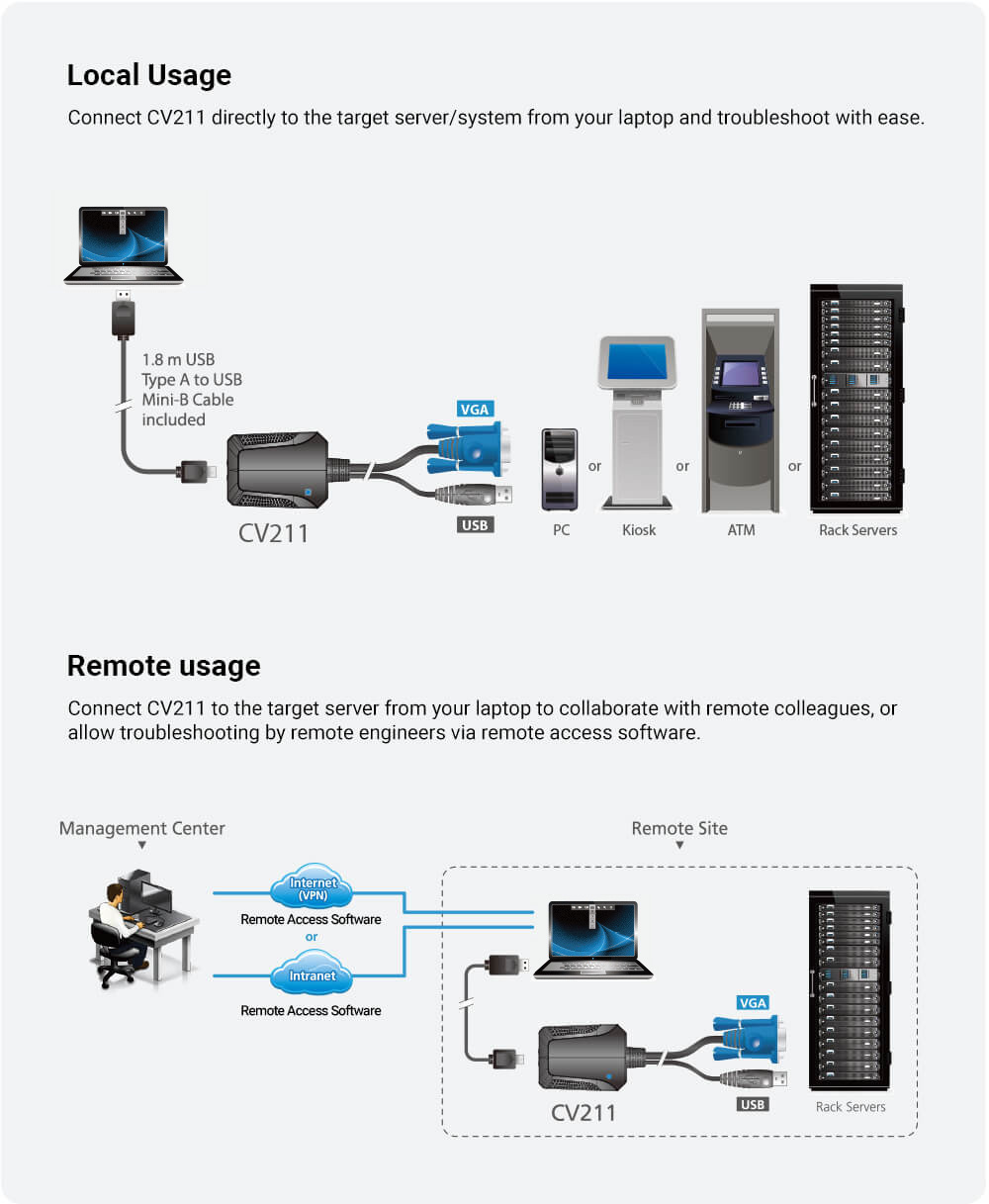
ATEN's CV211 is a laptop USB KVM console adapter designed specifically for frustrated mobile IT managers. It is the perfect crash cart replacement that turns your laptop into a KVM console combining the functionality of a wormhole switch, capture box, external DVD-ROM, keyboard, mouse and monitor all in one compact and convenient unit. You are free to quickly and professionally diagnose and troubleshoot servers, ATMs or PoS systems with ease.

Plug & Play

No installation software or drivers required. The handiness of CV211’s portability is amplified by its plug and play function.
Wide Compatibility with Various Devices

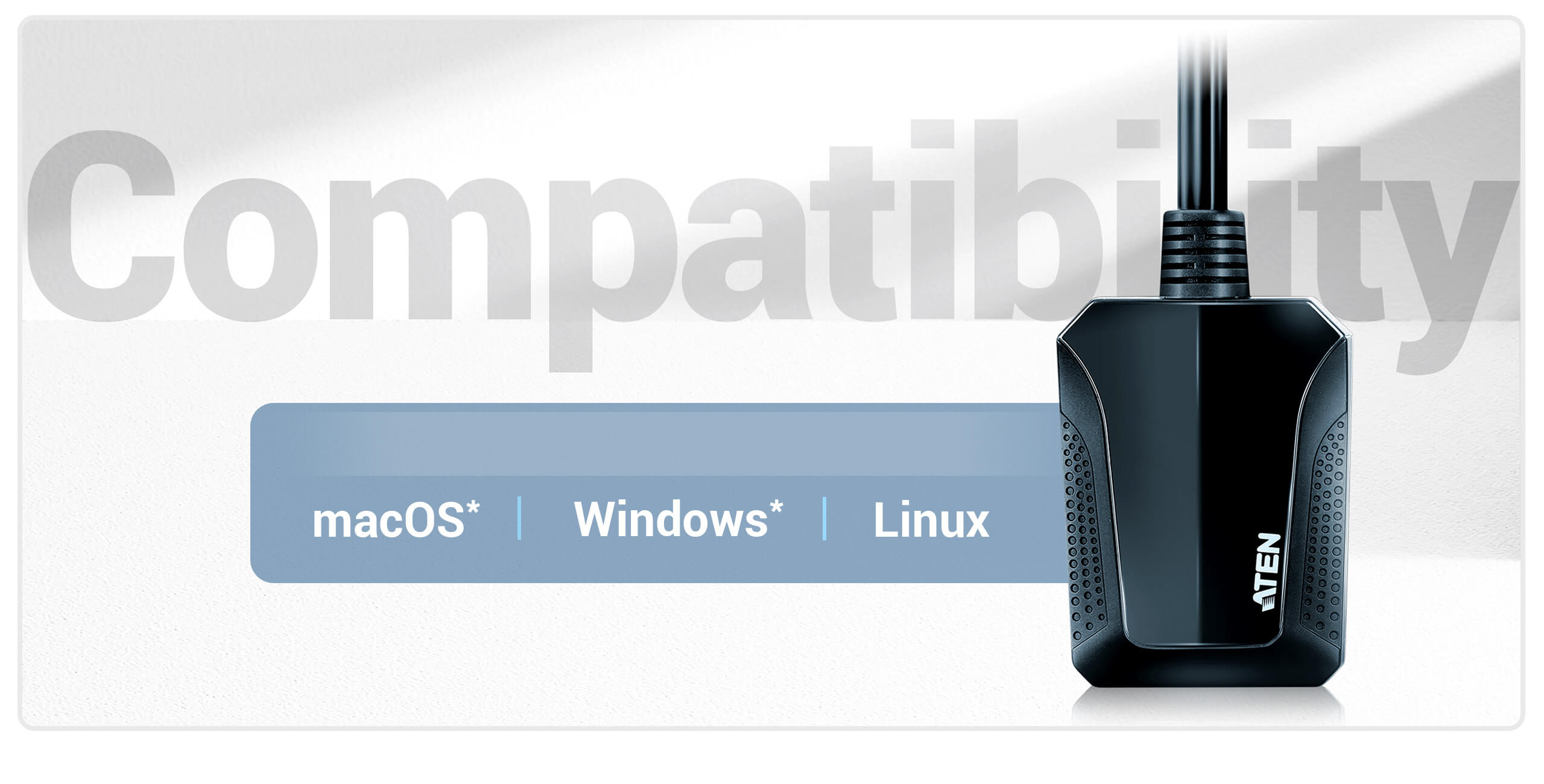
The CV211 works with major operating systems, and wide range of devices
Benefits at a Glance

Talk to Our Experts

If you prefer to have ATEN contact you, please complete the form and a representative will be in touch with you shortly

Package Contents

  • 1 x CV211 Laptop USB KVM Console Crash Cart Adapter
  • 1 x USB Type A to USB Mini-B Cable
  • 1 x User Instructions
  • USB Console Adapter Provides Direct Laptop-to-Computer Desktop Access
  • Transforms your laptop into an ultra mobile console for servers, computers, kiosks and ATMs
  • Virtual media enables file applications, OS patching, diagnostic testing and software installation
  • Upgradable firmware to keep unit up to date
  • Eliminates the need for heavy and bulky crash carts
  • Desktop scaling – user can adjust the size/resolution of the Remote desktop window by size or ratio
  • Supports Windows, Linux, and Mac laptops*
  • No operating system limitations on servers/computers connected to the CV211
    * CV211 (firmware v1.0.081) supports Mac laptops running macOS 11, 12, 13 and later versions with M1/M2/M3/M4 chips, and supports Windows 11 and later versions.


  • Server and Computer Troubleshooting
  • Instant BIOS-level access gets you total control of a server during hardware and operating system failures
  • Bi-directional file transfers between the laptop and target computer
  • Video recording and image capture feature saves a record of remote operations for future training and troubleshooting
  • Mouse DynaSync™ – automatically synchronizes the laptop and target computer's mouse movements
  • On-screen keyboard with multi-language support
  • Supports hotkey macros – define keystrokes that execute specific actions on the target computer to complete tasks efficiently and accurately


  • Ease of Use
  • Plug-and-Play – no software installation required on either side
  • Toolbar helps users easily operate all the functions from a single-click control panel within the remote view window
  • Adjustable video settings for optimal picture and performance
  • USB bus-powered design with hot-plugging support


  • Maximum Convenience
  • Built-in VGA and USB keyboard/mouse cables
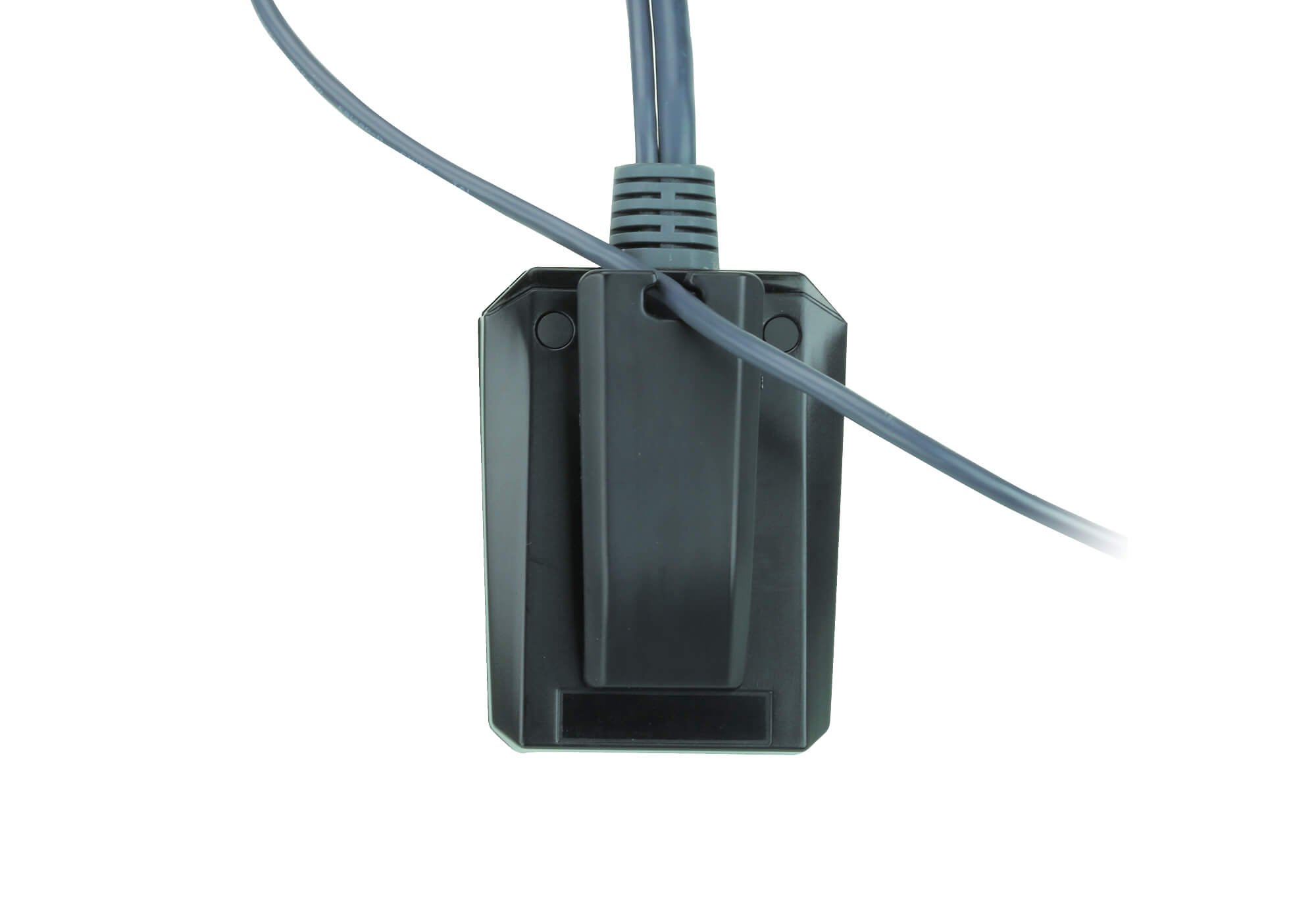
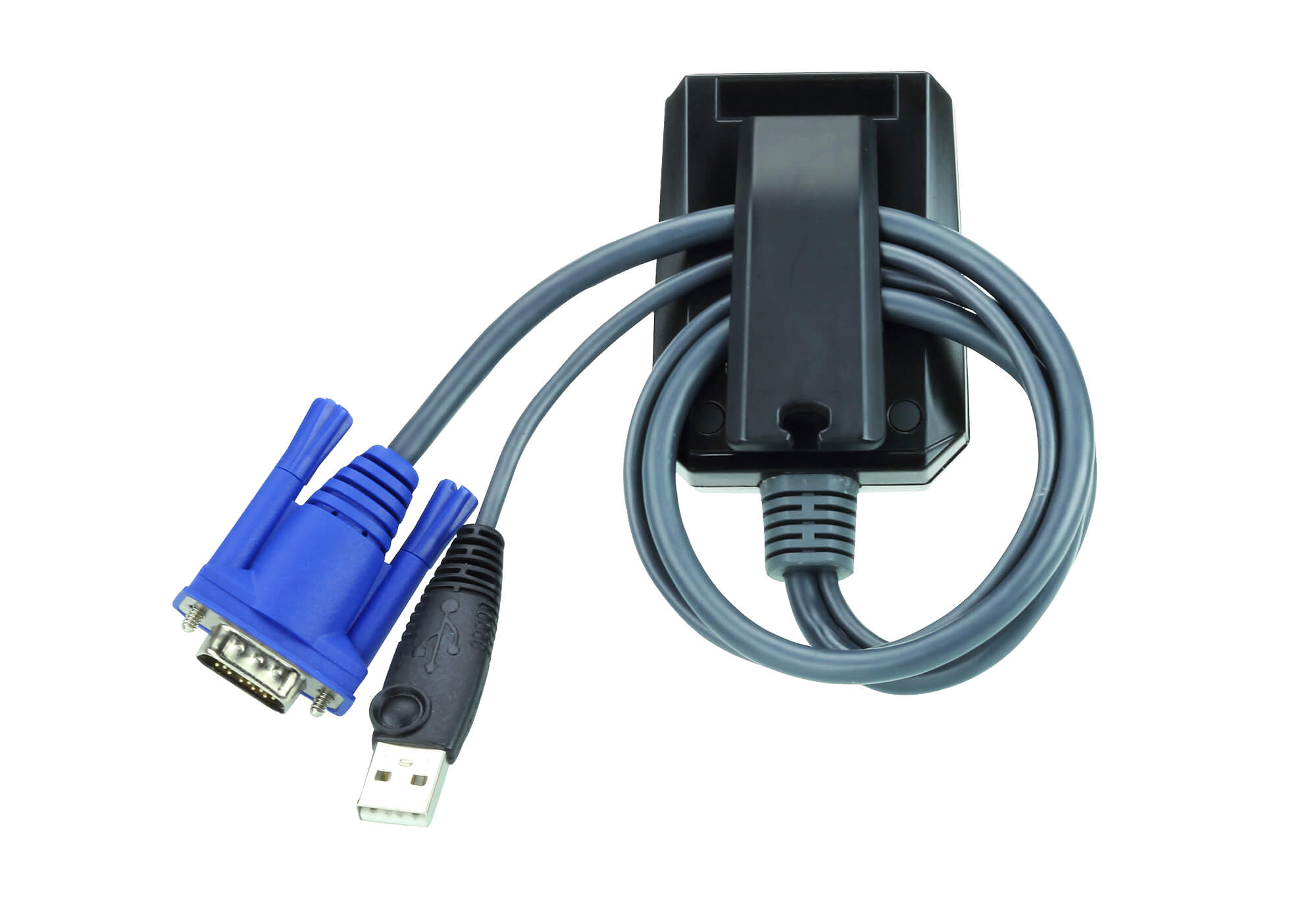
  • Unique cable clip design to get cables under control
  • Supports analogue video resolutions up to 1920 x 1200 @ 60 Hz
  • Compact and easy to carry – half-palm size
Computer Connections1
Connectors
Laptop USB Console (LUC) Port1 x USB Mini Type B Female
KVM (Computer) Ports1 x USB Type A Male
1 x VGA Male (Blue)
LEDs1 (Blue)
Power ConsumptionDC5V:2.35W:11BTU/h

Note:
● The measurement in Watts indicates the typical power consumption of the device with no external loading.
● The measurement in BTU/h indicates the power consumption of the device when it is fully loaded.
Environmental
Operating Temperature0 - 40°C
Storage Temperature-20 - 60°C
Humidity0 - 80% RH, Non-condensing
Physical Properties
HousingPlastic
Weight0.13 kg ( 0.29 lb )
Dimensions (L x W x H)7.05 x 5.37 x 3.01 cm
(2.78 x 2.11 x 1.19 in.)
NoteFor some of rack mount products, please note that the standard physical dimensions of WxDxH are expressed using a LxWxH format.


DescriptionVer.Release DateFile Name
Firmware Upgradev1.0.0812025-11-13 cv211-v1.0.081.zip

Note : For requests regarding firmware versions older than 3 years, please contact the Technical Support team.


We are here to help! Please visit ATEN eService for technical assistance.