
4-Port USB 3.0 8K DisplayPort Dual-Display KVMP™ Switch (Cables included)
NewCS1944DPA


Power advanced multi-screen workflows with an 8K dual-display KVM switch for creative, financial, and professional applications.
- Up to 7680 × 4320 @ 60 Hz, 5120 × 2880 @ 60 Hz and 4096 × 2160 @ 120 Hz
- Daisy-chainable quad-display control connecting two CS1944DPAs to manage up to four PCs and four displays with one keyboard and mouse
- All DisplayPort/USB cables and power adapter included for hassle-free installation Computer selection via pushbuttons, remote port selector, hotkeys, mouse, and RS-232 commands
- All Features





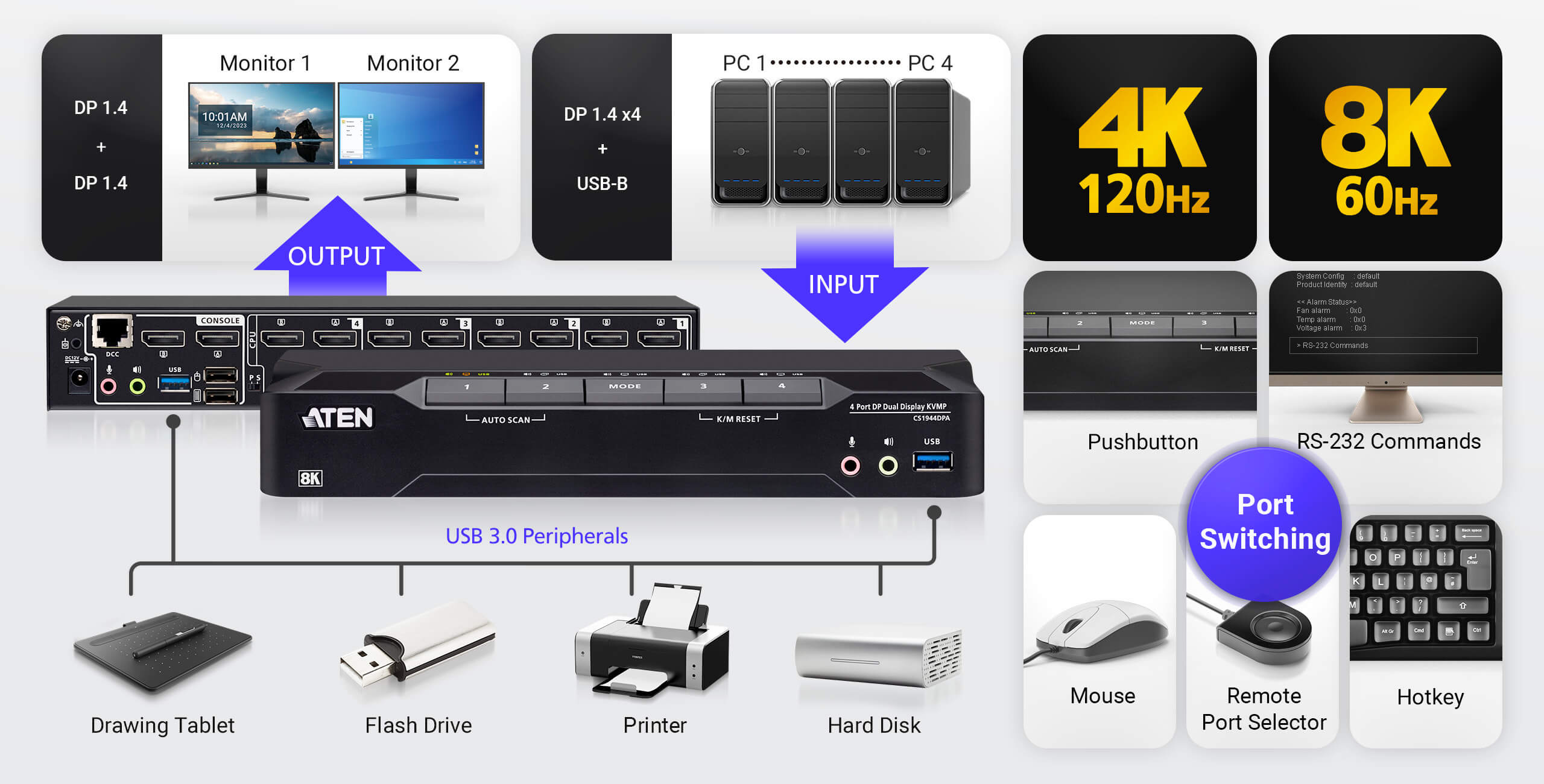
4 DisplayPort PCs, 2 DisplayPort Displays, One KVM Console
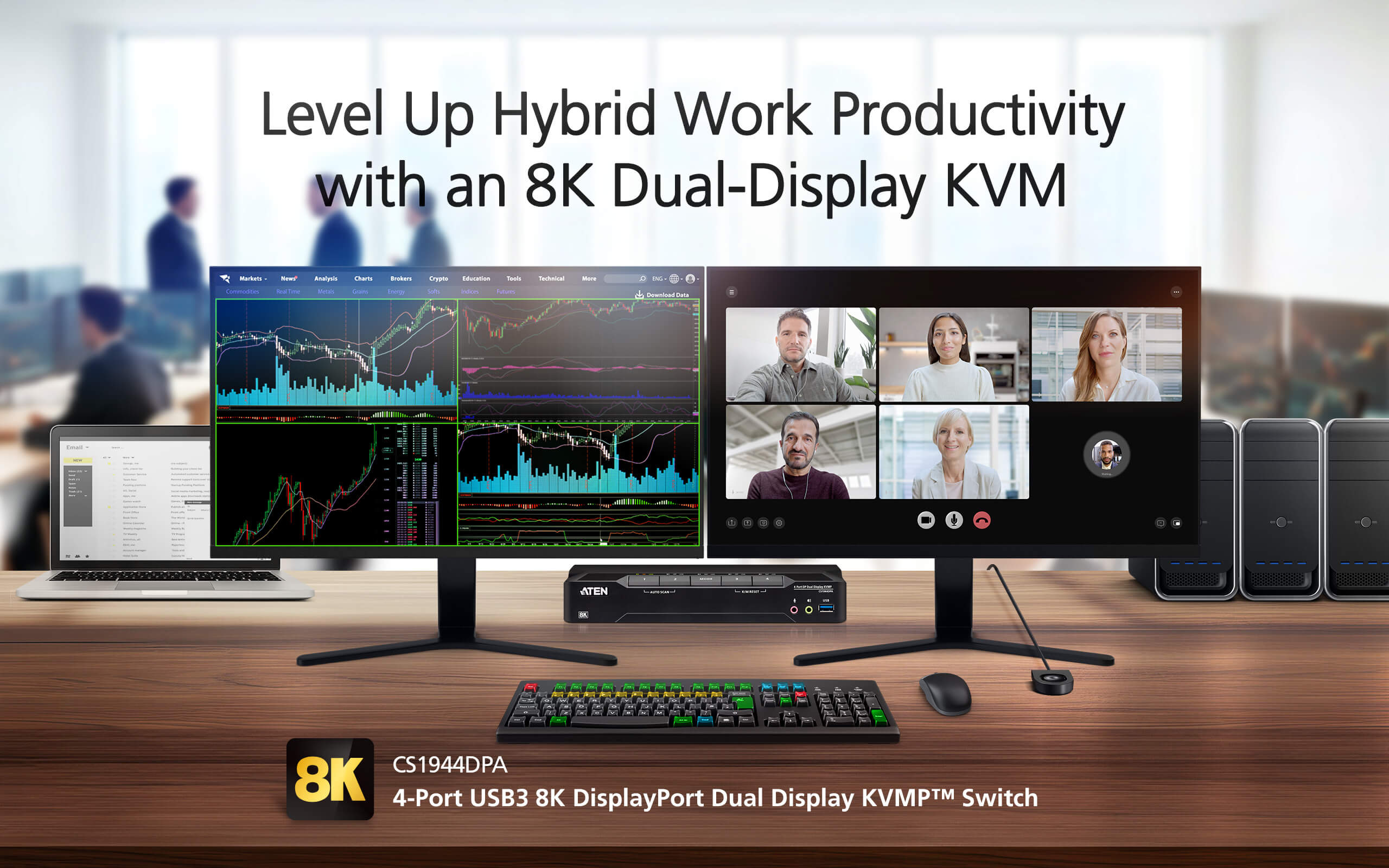
The CS1944DPA is a 4-port KVM switch that empowers you to switch between projects with ease on a 4-PC, dual-display desktop. With a single keyboard and mouse, you can maintain a tidy workspace while simplifying control of four DisplayPort computers across two DisplayPort displays. Whether you're a professional seeking a productivity booster for your daily office routines, a content creator, a hybrid worker, or someone looking for an immersive entertainment setup, the CS1944DPA is definitely your key to a workspace transformation.
Level up your multitasking productivity at this dual-display KVM console with:
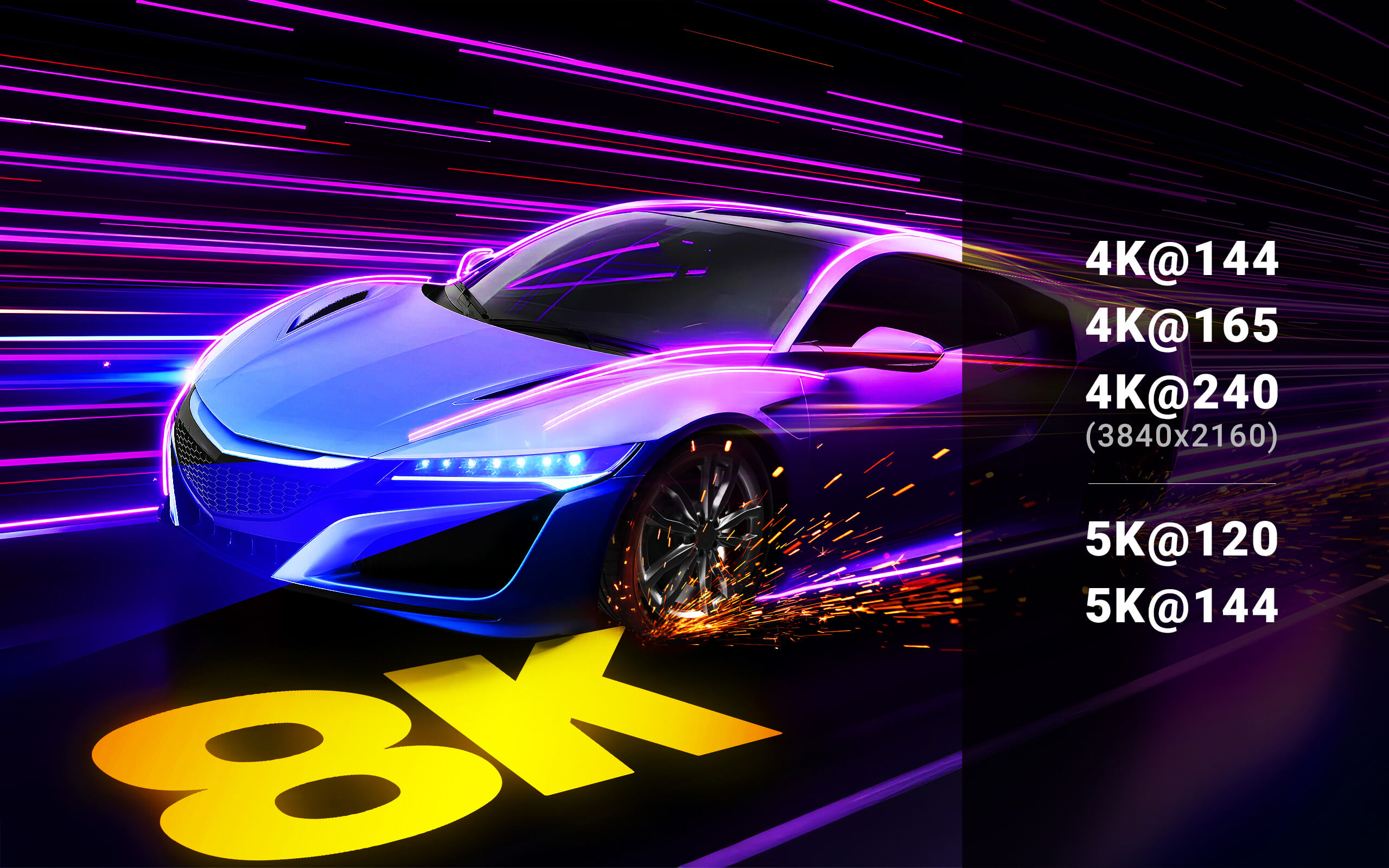
● A pristine visual experience up to 4K@240 and 8K@60
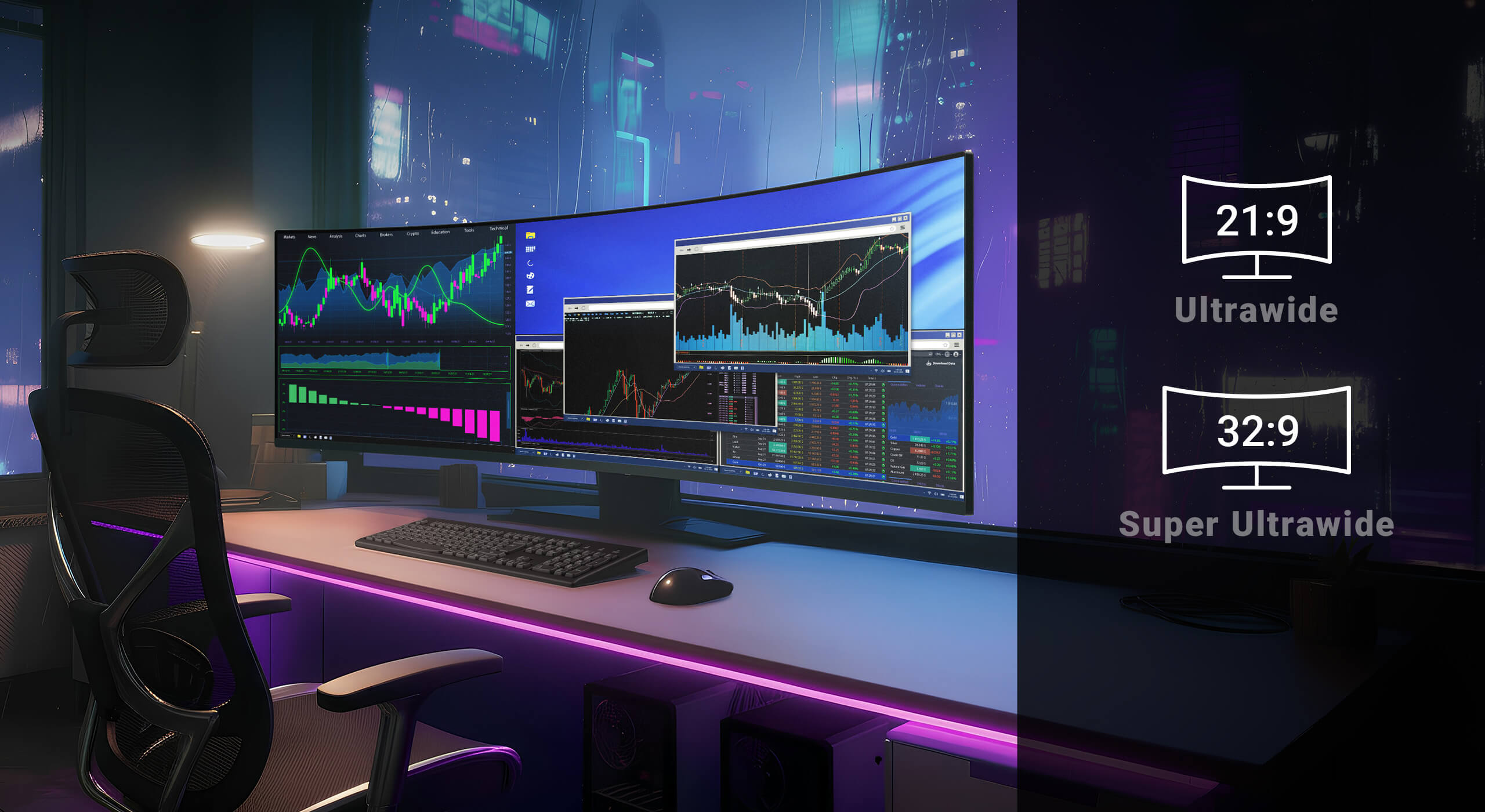
● Ultra-wide 21:9 and 32:9 aspect ratios for an expansive viewing experience
● A 2-port USB 3.0 hub for peripheral sharing, supporting up to 5 Gbps data transfer
● Multi-system compatibility with Windows, macOS, and Linux
Dual 8K HDR10+ Visuals with Ultra-Smooth Refresh Rates
Experience breathtaking visuals with 8K HDR10+ on a dual-display KVM console that brings every frame to life with richer brightness, deeper contrast, and more vibrant color. Leveraging advanced 8K bandwidth and ultra-smooth refresh rates at 4K 144/240 Hz and 5120 × 1440 at 120/144/240 Hz, this KVM switch ensures fluid, immersive visual performance – whether you're designing, editing, coding, or gaming.
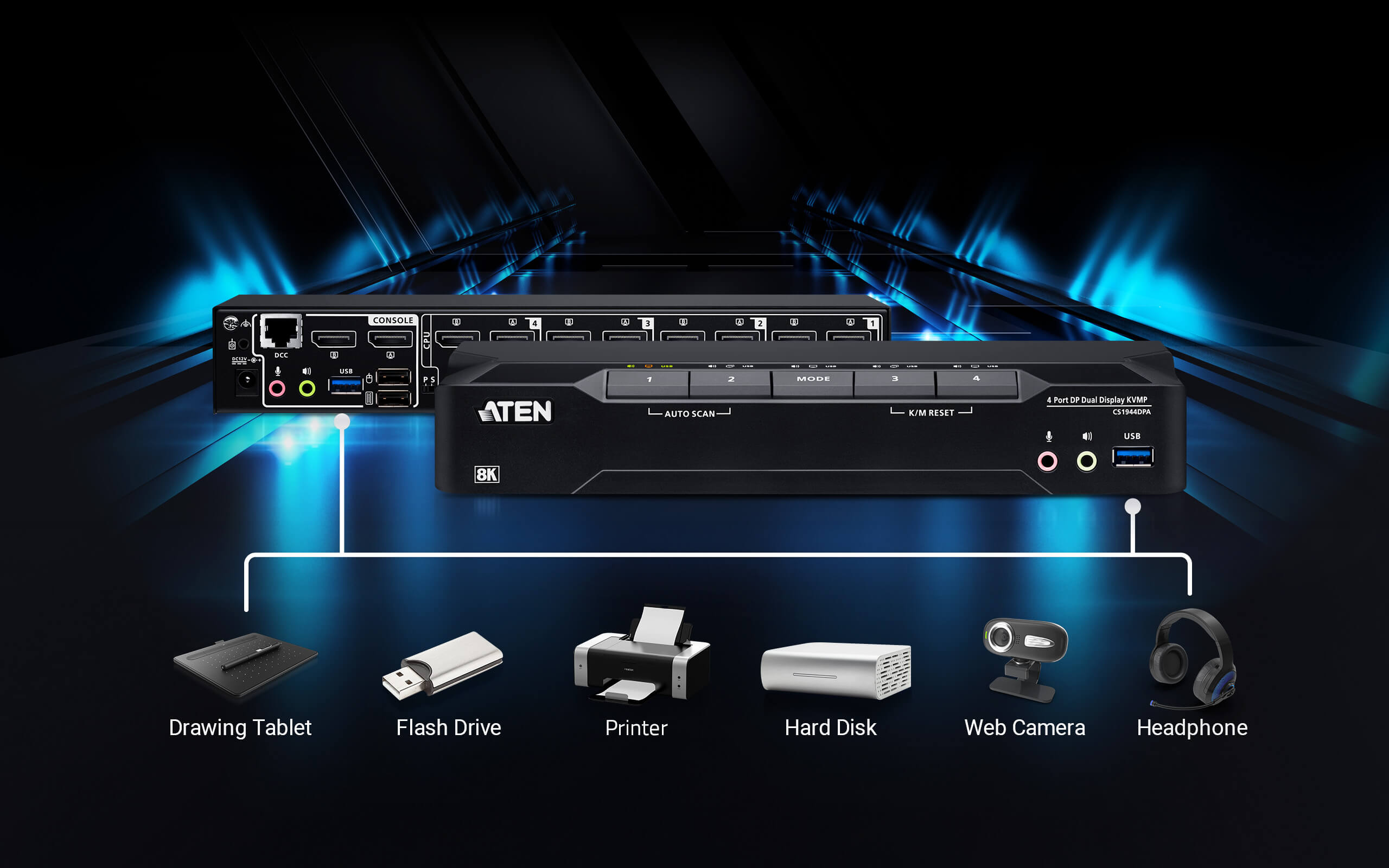
USB 3.0 Peripheral Sharing
Media and data sharing between computers is effortless as a plug-and-play connection of any peripheral device (e.g. flash drive, printer, scanner, etc) to the USB 3.0 ports on the KVM switch, delivering SuperSpeed 5 Gbps performance.
Daisy-Chainable Quad-Display Desktop Transformation
Transform your desktop into a quad-display powerhouse by daisy-chaining two CS1944DPA KVM switches via their DCC ports. This multi-system KVM console empowers you to control up to four computers across four displays with just one keyboard and mouse. It's an extraordinarily helpful solution for streamlining any hybrid workflow where multitasking is essential.

Vast Screen Real Estate with 21:9 and 32:9
Level up your KVM console with support for 21:9 and 32:9 ultra-wide aspect ratios, unlocking expansive screen real estate that transforms how you work and manage multiple systems. With an ultra-wide display, complex workflows and multiple application windows can coexist on a single screen without bezels, allowing you to view, compare, and jump between them effortlessly – without juggling screens or constantly toggling layouts.
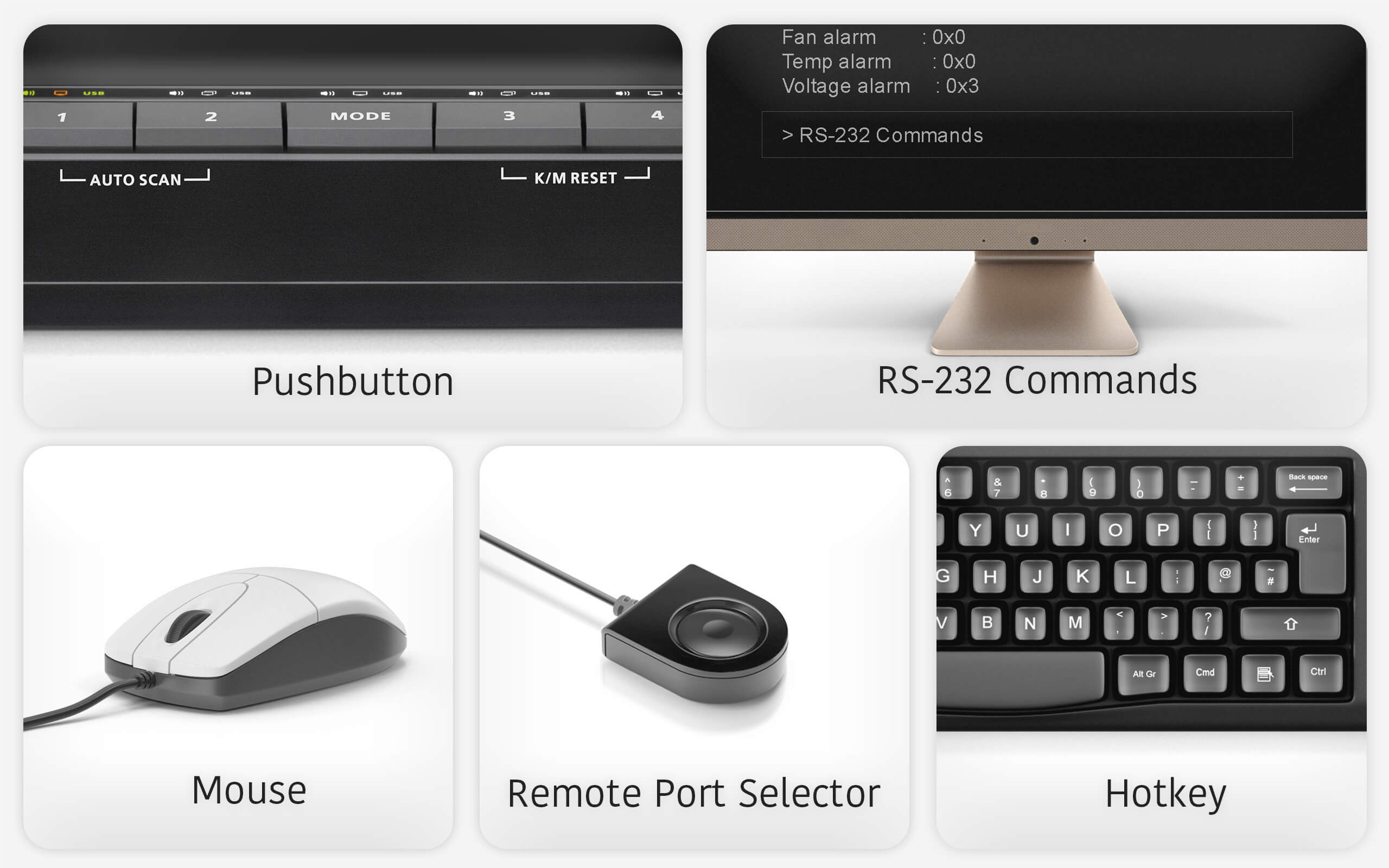
Flexible Port Switching
Port switching is quick and flexible via pushbuttons, hotkeys, mouse, RS-232 commands, or the remote port selector – whichever best fits your workflow. With independent switching, the focus of KVM, USB peripherals, or audio can be assigned to one computer while the others remain on another, enabling flexible operation across systems from a single KVM console.
All Accessories Included
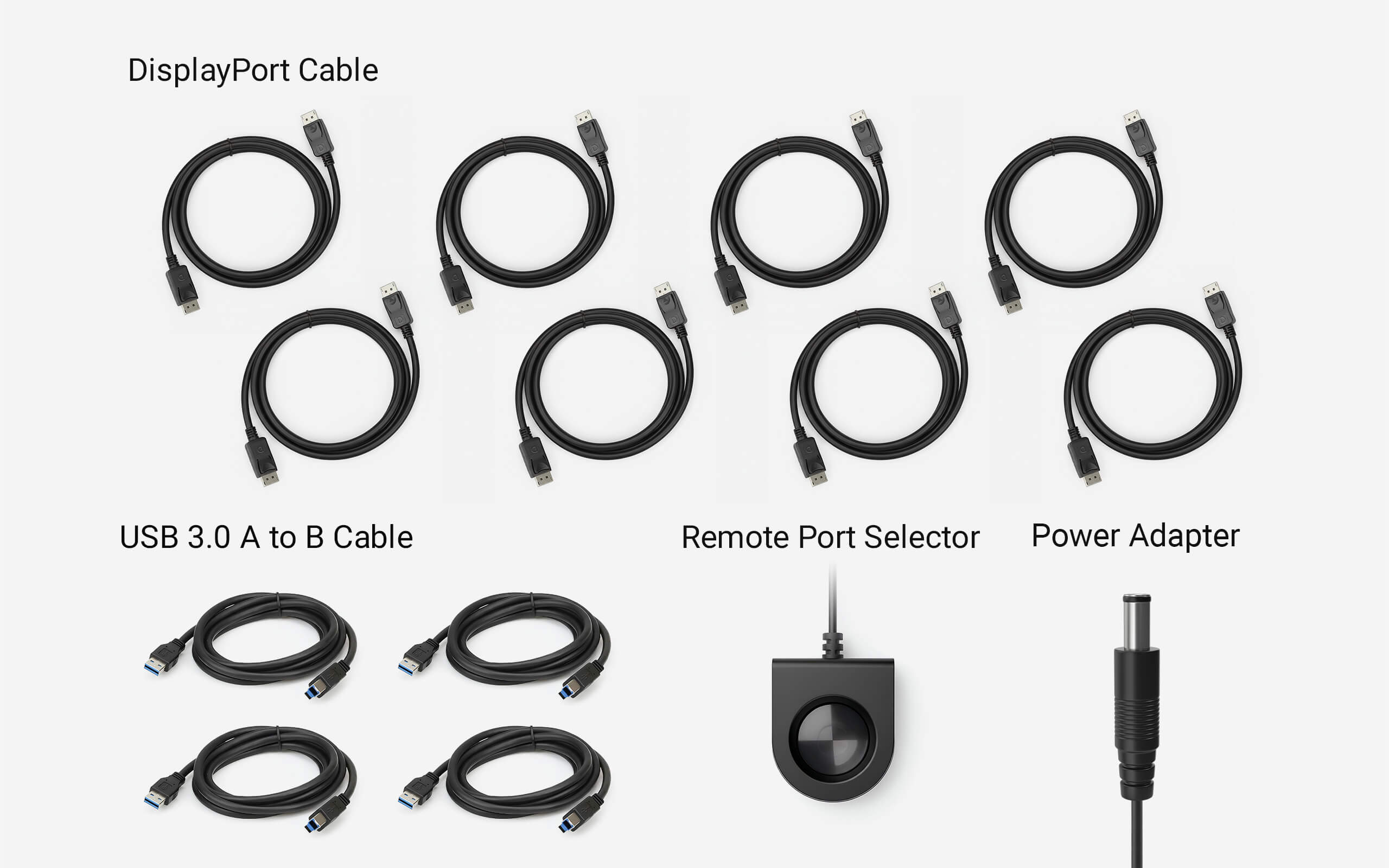
Everything you need is included – 8 DisplayPort cables, 4 USB 3.0 A to B cables, 1 power adapter, and 1 remote port selector (wired switch button) – for instant setup.
Applications
The CS1944DPA is a productivity booster for multitasking on a powerful 4-PC, dual-display desktop within a comfy, tidy setup. With the flexibility to scale up to a quad-display KVM console, it further unlocks creativity to handle any hybrid workflow.

Talk to Our Experts
If you prefer to have ATEN contact you, please complete the form and a representative will be in touch with you shortly

Package Contents
- 1 x CS1944DPA 4-Port USB 3.0 8K DisplayPort Dual-Display KVMP™ Switch
- 8 x DisplayPort cables (1.5 m/5 ft)
- 4 x USB Type-A to Type-B cables (USB 3.0-A to USB 3.0-B; 1.8 m/6 ft)
- 4 x microphone cables (1.8 m/6 ft)
- 4 x speaker cables (1.8 m/6 ft)
- 1 x remote port selector
- 1 x power adapter
- 1 x user instructions
Application Guides
 |
User Manual
| File Name | Release Date |
| cs1942dpa-cs1944dpa-user-manual-w.pdf (1.29 MB) | 2026-02-05 |
Quick Start Guide
CS1942DPA-CS1944DPA-2-4-Port-USB-3.0-8K-DisplayPort-Dual-Display-KVMPg-Switch-QSG.pdf (3.8 MB)CAD Drawing
CS1944DPA-V01-CAD-Drawing.pdf (216.38 KB)Firmware
| Description | Ver. | Release Date | File Name |
| Firmware Upgrade | v1.0.062 | 2026-01-06 | cs1942dpa-cs44dpa-v1.0.062.zip |
Note : For requests regarding firmware versions older than 3 years, please contact the Technical Support team.



Note :
All products listed above have been verified for full compatibility with their intended use, where applicable (e.g., keyboard/video/mouse compatibility with KVM switches and extenders).
For any further functionality inquiries, please visit the Support Center for assistance.
Relevant Products View All


Compatible Cables View All


PRODUCT ADDED TO CART

